Reference to Video
Turn a reference clip into controlled creative iterations with style and motion preserved.

Generate images and videos with more control, consistency, and speed.
POWERING NEXT-GEN CREATIVE
Capabilities
Unify Reference to Video, Text to Video, and Image to Video workflows with Image Generation support and automated optimizations to iterate faster.
Turn a reference clip into controlled creative iterations with style and motion preserved.
Convert structured prompts into storyboard-ready shots with reusable generation settings.
Animate key visuals into cinematic scenes while keeping composition and brand consistency.
Generate production-aligned image assets that can immediately feed your video workflows.
Blend references, edit with precision, and extend scenes seamlessly — all in one multimodal AI studio.
SCENE 01
Blend reference video, still image, and prompt guidance in one chain to direct style, pacing, and visual continuity.
Prompt: Use the running and chasing motion from @video 1 as reference. Generate a chase shot of two knights riding along a grassy road running parallel to a castle. The characters follow the old knight from @image 1 and the young knight from @image 2. The environment follows the medieval grassland and castle from @image 3. Background music is @audio 1.
SCENE 02
Pinpoint a specific moment, adjust motion intent, and regenerate with stable context instead of restarting the whole sequence.
Prompt: Add the raccoon playing the saxophone from @image1 to the right side of the frog lead singer in @video1, and add saxophone performance sound to the background music.
SCENE 03
Extend clips into longer narrative beats while preserving subject consistency, camera language, and scene rhythm.
Prompt: Extend @video1 backward by 5 seconds to generate the events that happened before it. A dimly lit medieval tavern at night. A lone traveler in a dark cloak quickly gathers his belongings from a wooden table while candlelight flickers across wooden walls.
Uncompromising consistency, typography retention, and material replacement.
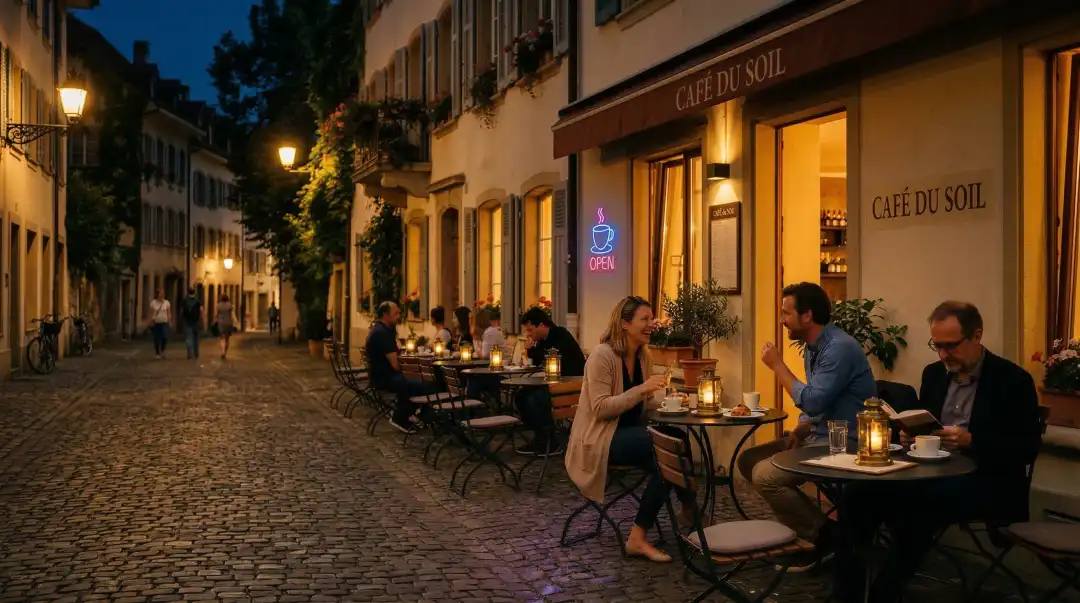
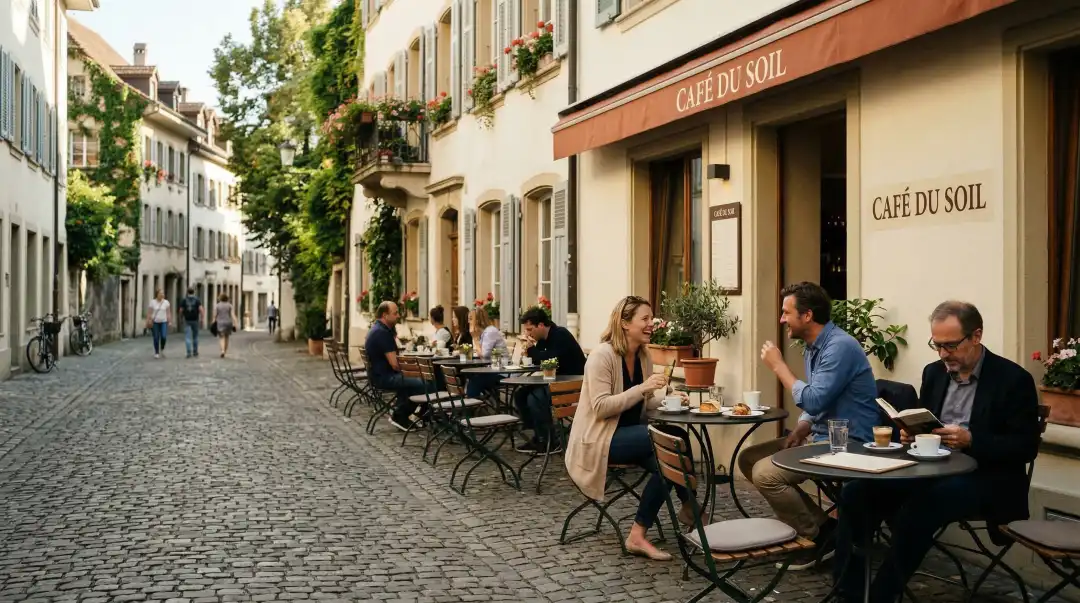
Subject Consistency
Lock facial identity and posture from the source, then regenerate wardrobe materials and lighting without drifting the subject.

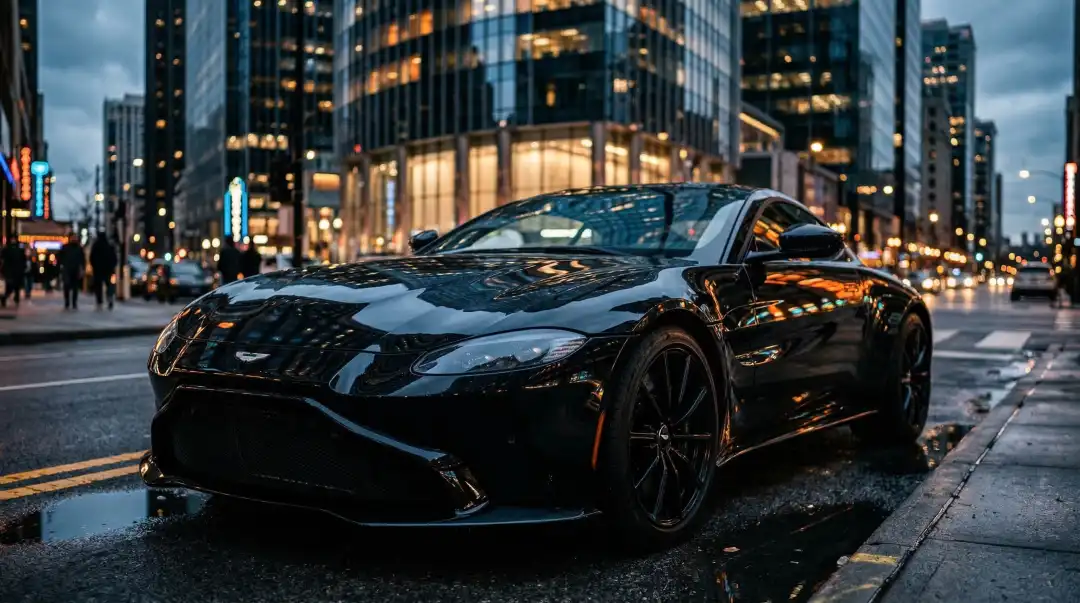
Typography & Texture
Preserve exact headline geometry and letter spacing while replacing surrounding materials from matte paper to polished metal.
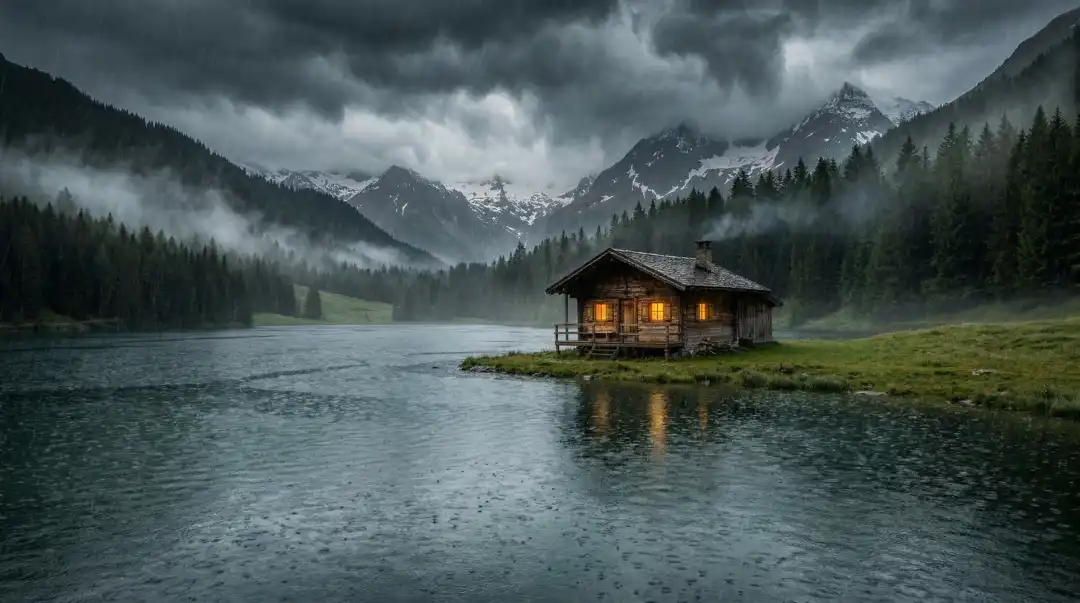
Interactive Editing
Select a local region, rewrite object attributes, and keep neighboring pixels stable for clean, production-ready composites.
Join top-tier creators and scale your production workflow today.